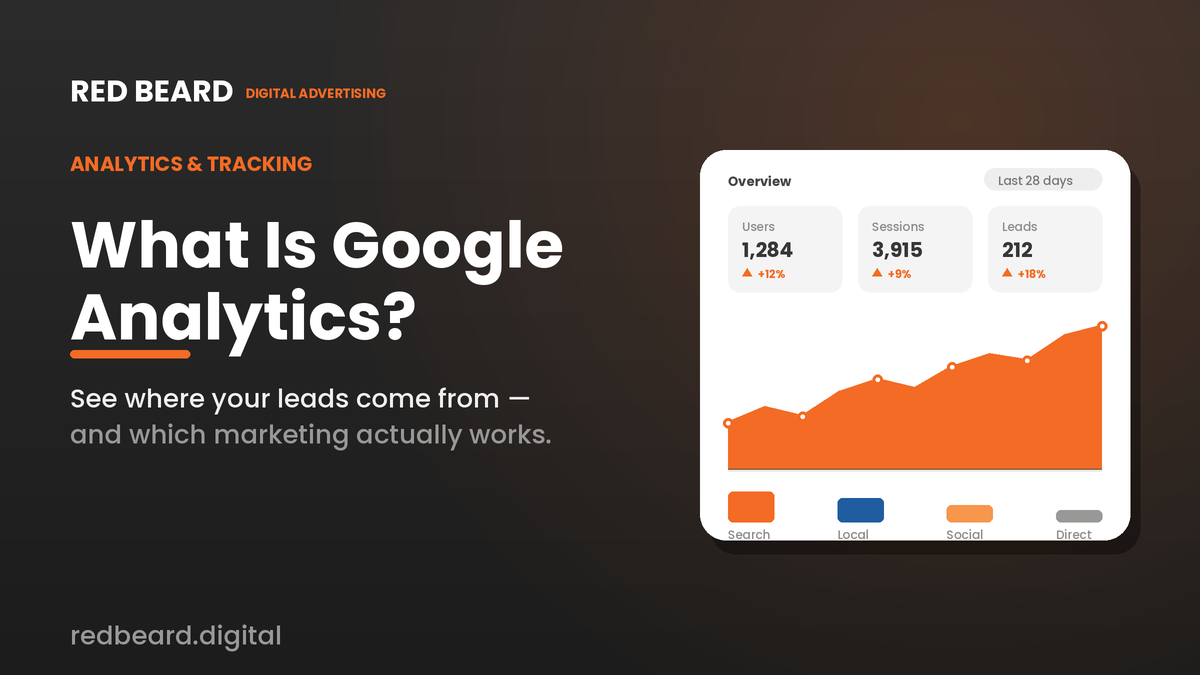


You’re spending money on your website, your ads, and your marketing but do you actually know what’s working? Most business owners are flying blind, guessing at what brings in customers. Google Analytics exists to end that guessing. It’s a free tool that shows you exactly where your visitors come from, what they do on your site, and which of your marketing efforts turn into real leads. Here’s a plain-English guide to what it is and why it matters for your business.
What is Google Analytics?
Google Analytics is a free web analytics service from Google that tracks and reports what happens on your website. Every time someone visits your site, Analytics quietly records useful information: how they found you, which pages they viewed, how long they stayed, what device they used, and whether they took an action that matters to your business like calling, filling out a form, or requesting a quote.
Think of it as the dashboard for your online presence. Just as your truck’s dashboard tells you your speed and fuel level, Google Analytics tells you the vital signs of your website and marketing.
GA4: the current version of Google Analytics
The current version is called Google Analytics 4, or GA4. It replaced the older “Universal Analytics” a few years ago, so if you’ve heard about Analytics in the past, the platform has changed.
A few things define GA4:
- It’s free. The standard version costs nothing, which makes it accessible to businesses of any size.
- It’s event-based. Instead of just counting page views, GA4 tracks specific actions clicks, form submissions, calls, video plays giving you a clearer picture of how people actually engage.
- It covers web and app in one place. If you have both a website and an app, GA4 reports on them together.
- It’s privacy-centric. GA4 was built for a world with stricter privacy rules and fading cookies, using modeling to fill in gaps while respecting user consent.
What can Google Analytics tell you?
The real value is in the questions it answers. Broadly, GA4 covers four areas:
Who your visitors are. General location, the device they’re on, whether they’re new or returning helping you understand your actual audience versus who you assume it is.
Where they come from. This is often the most valuable part. Analytics shows whether visitors arrive from Google searches, your ads, social media, or by typing your address directly. GA4 has even added a new “AI Assistant” channel that tracks visitors who found you through AI chatbots like ChatGPT, Gemini, and Claude a sign of how quickly discovery is shifting.
What they do on your site. Which pages they visit, where they spend time, and where they drop off so you can see what’s engaging and what’s pushing people away.
Whether they convert. You can define the actions that matter a phone call, a contact form, a booking and see exactly which pages and sources drive them. This is how you connect marketing activity to actual leads.
Why Google Analytics matters for small businesses
For a local or home-service business, the payoff is simple: you stop wasting money. When you can see that, say, your Google Ads drive most of your quote requests while a particular social campaign drives almost none, you can shift budget toward what actually books jobs. Analytics turns “I think our marketing is working” into “I know which marketing is working” and that clarity is worth real money over a year.
What’s new in Google Analytics for 2026
Google has been pushing Analytics well beyond simple reporting:
- AI-powered insights. A built-in AI assistant (Analytics Advisor) lets you ask questions in plain language and surfaces trends automatically, so you don’t have to be a data analyst to get answers.
- Google Business Profile integration. You can now link your Google Business Profile to Analytics and see local metrics calls, bookings, direction requests, and website clicks alongside your site data. For local businesses, that’s a big deal.
- Smarter attribution and planning. New cross-channel reporting and budgeting tools help you understand which channels assist a sale, not just which one gets the final click.
How Google Analytics connects to the rest of your marketing
Analytics doesn’t work in isolation. It links to Google Ads so you can see which campaigns and keywords actually produce leads, to Google Search Console for organic search performance, and now to your Google Business Profile for local engagement. Connected together, these tools give you one view of how customers find and choose your business.
Is Google Analytics enough on its own?
For most service businesses, Analytics is essential but not complete. Here’s the catch: many of your most valuable leads come in as phone calls, and a standard Analytics setup can tell you a call button was tapped but not who called, what they wanted, or whether it turned into a booked job. That’s why serious home-service marketers pair Google Analytics with call tracking, which records which ad or page drove each call and how it went. Together, web analytics and call tracking give you the full picture of your lead flow.
How to get started
Getting started is free but takes correct setup to be useful: create a Google Analytics account, add the tracking code to your website (or connect it through your site platform), define your key conversions (calls, forms, bookings), and link it to your Google Ads and Google Business Profile. The mistake most businesses make is installing Analytics and never configuring conversions which means it counts traffic but never tells you about leads, the part that actually matters.
The bottom line
Google Analytics is the free, foundational tool for understanding your website and your marketing. Set up properly, it shows you where your customers come from and which efforts drive real leads so you can spend smarter and grow faster. The key word is properly; the value lives in the configuration, not just the install.
At Red Beard Digital, we set up and manage analytics and call tracking for local and home-service businesses, so every lead is traced back to the marketing that created it and you finally know your true cost per booked job. Want to see exactly what’s driving your leads? Book a free strategy call and we’ll help you measure what matters.